
As a developer, you might have faced this challenge:
- You're building a UI library with TailwindCSS.
- You need to export precompiled CSS for users.
- Users can't customize styles with their own Tailwind setup.
This static approach limits flexibility and creates a frustrating experience for your library's consumers.
The Solution: generate-tailwindcss-safelist
generate-tailwindcss-safelist solves this by:
- Scanning your project for all Tailwind classes.
- Generating a JSON safelist file.
- Allowing users to import the safelist into their Tailwind configuration.
This means your library can now adapt to any custom Tailwind setup, giving users full control over the final styles.
How to Use
1. Install and run it using npx:
npx generate-tailwindcss-safelist -i ./src/styles.css -o safelist.json2. Include the generated safelist file in your library's package and publish it on npm.
3. Users can include it in their Tailwind configuration:
// tailwind.config.js
import safelist from '<package-name>/safelist.json';

const config = {
  safelist: safelist,
  // ... other tailwind configs
};
export default config;
Now, your library works seamlessly with their custom Tailwind configuration!
Usage Examples
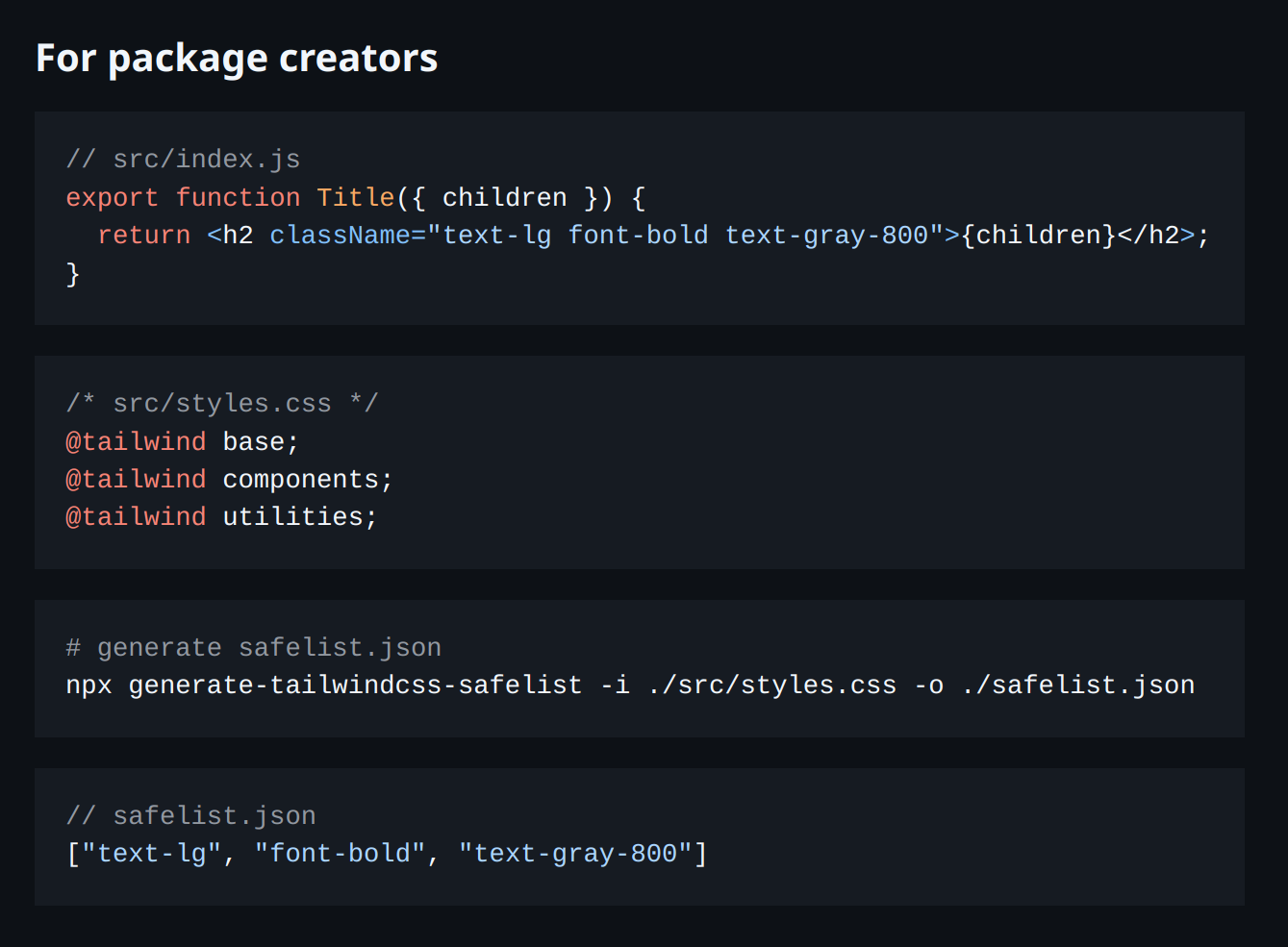
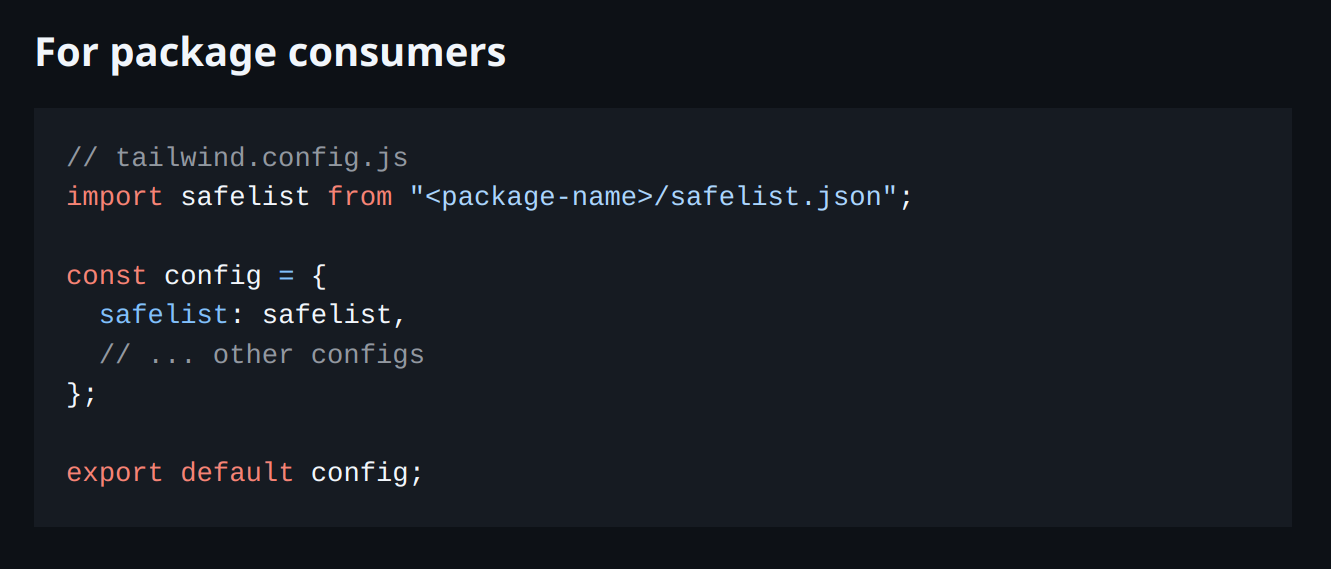
Why It Matters
If you're building reusable components for different projects or teams, this approach ensures:
- Full Flexibility: Your library integrates easily with any custom Tailwind setup.
- User Satisfaction: Users aren't limited to static, precompiled styles.
- Ease of Use: Developers can quickly add your library and get started.
Next Steps
Want to give it a try? Head over to the npm page: generate-tailwindcss-safelist